Microsoft no longer supports Windows 10 with regular updates. Your computer will keep working, but without security updates it gets riskier to use over time.
The good news is that you probably don't need to rush out and buy a new computer. Here are your options, and I'm happy to check which one suits you for free.
If your computer is eligible, upgrading to Windows 11 keeps it getting security updates. I'll check whether your computer can run it for free, and upgrades start from $35.
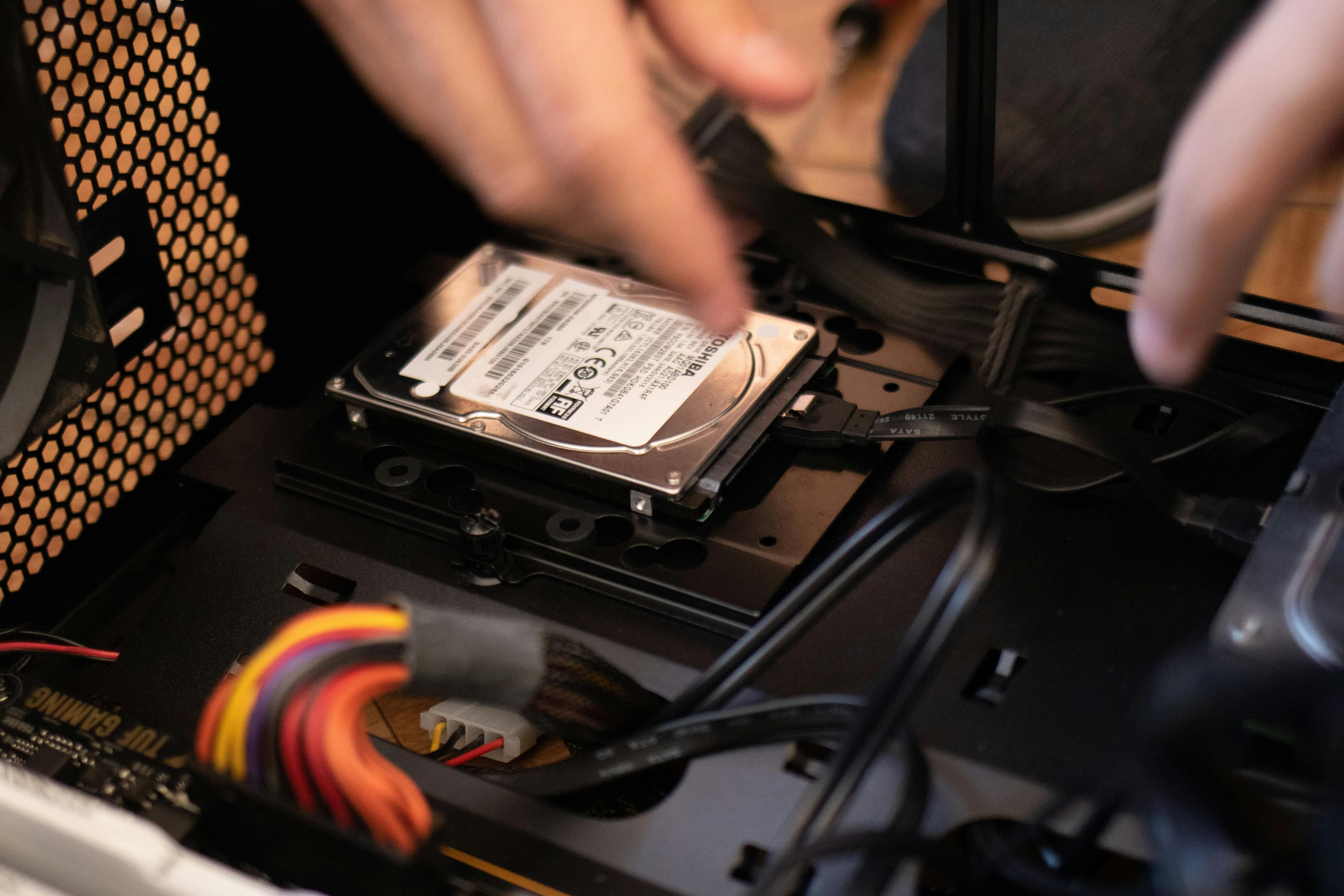
Many older computers that can run Windows 11 are held back by a slow hard drive. Upgrading to an SSD at the same time (from $45 + the drive) can make it feel new.
If your computer can't run Windows 11, or it isn't worth upgrading, I can set up a new one and move your files, photos and email across. File transfers start from $45 and setup from $35.
Not sure? Get in touch and I'll give you a straight answer. See all prices on the pricing page.
Call or text now, or send the details and I'll get back to you with a quote.